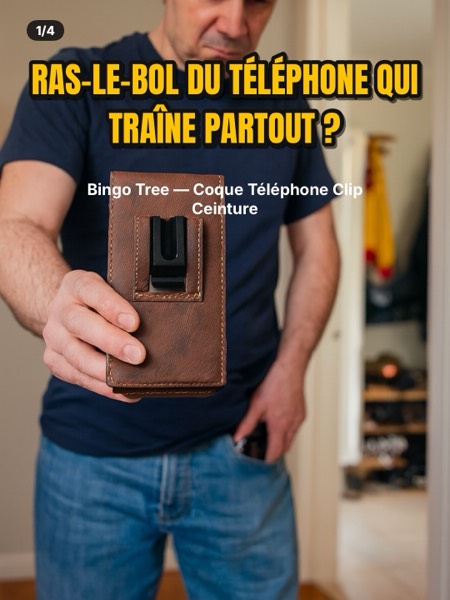
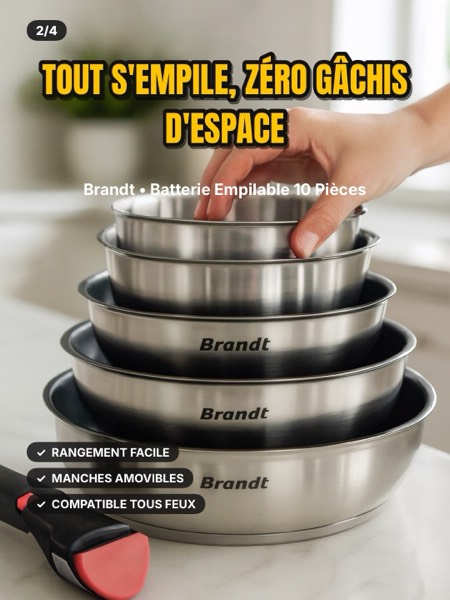
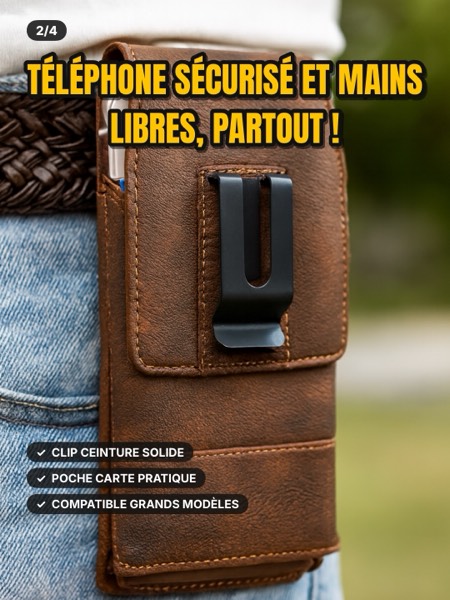
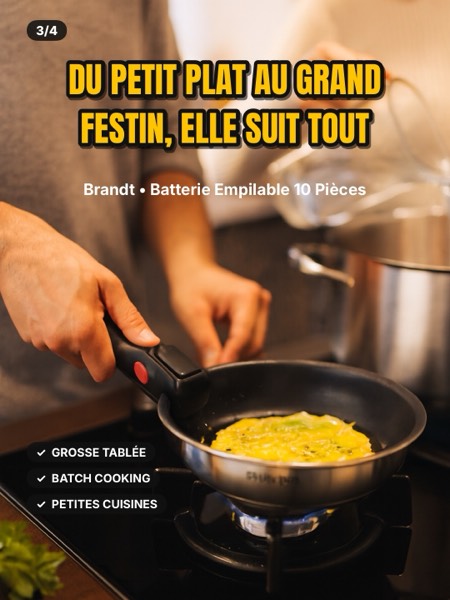
A screenshot of the product page is all you need. C4slide reads the product, picks the hook that sells and creates 1 to 5 slides: lifestyle scenes, then a final slide with the real product photo. The title and caption are ready to copy and paste.
2 free carousels (1 trial per iPhone) · No card needed · Coming soon to the App Store, until then the beta runs through Apple's TestFlight app · The app is in French for now, English is coming soon
Every carousel follows the same path, from the thumb stopping to the orange cart.
A first slide that names the pain or promises the result. The thumb stops.
Demo, proof, everyday uses: every slide makes people want to see the next one.
Hidden price, urgency, reassurance: the last slide pushes toward the orange cart.
Title and description ready to paste, hashtags included. You post, you sell.
Two ways to create: fast with Basic, tailor-made with Pro.
Straight to the point, in seconds.
Every setting, slide by slide.
Realistic, Japanese manga, American comics or cartoon: pick the look that fits your audience.
The last slide shows the real photo from the product page, with its price and a cart button. Your audience sees exactly what they're buying.
The product in real life: kitchen, office, gym… The AI builds the setting, and the reference photo stays the one from your product page.
Give your carousels a face: a realistic avatar made from your own photos, or an illustrated character.
Not enough images in your screenshot? Search the web for more product photos right from the app.
Promo, demo, curiosity, problem → solution, lifestyle… or let the AI choose based on your screenshot.
C4slide is built to follow TikTok Shop rules from the moment it creates your slides.
#aigenerated is added to the caption. Also turn on the TikTok option that labels content as AI-generated when you post.
The final slide uses the real photo from the product page, so the product shown matches perfectly.
No invented features, figures or discount percentages. The price comes with the notice "Price subject to change".
One or more screenshots of the TikTok Shop product page. C4slide reads the brand, product, price and benefits, and spots the deals.
Basic or Pro, the angle, the image style and the number of slides. Or let the AI choose.
The slides land in your Photos library. Review them, copy the title and caption, turn on TikTok's AI option: you're live.
Tap a carousel to see it on TikTok.
No retouching: this is what the app delivers to your Photos library.
Every action shows its cost in credits before it starts. Your balance is shown in the app and in My account.
No card needed
Shown before every generation
Basic and Pro subscriptions are coming soon to this website. No purchases in the app.
Take one or more screenshots of the product page in TikTok, with the photo, price and description clearly visible. In C4slide, add your screenshots, choose the angle, style and number of slides, start the generation, review, then download the slides and copy the caption.
Basic gets straight to the point: one angle, one style, 3 slides, a title and a caption to copy. Pro gives you more control over the number of slides (1 to 5), the scenes and the text.
Yes, it's a TikTok rule. C4slide already adds #aigenerated to the caption. When you post, also turn on the TikTok option that labels content as AI-generated.
It's the price on the product page when you took your screenshots. It can change: check it just before posting and keep the notice "Price subject to change".
No. If a generation fails because of C4slide, your credits are refunded automatically.
No. They are only used to create your carousels. The details are in the Privacy Policy.
Didn't find your answer? Contact us